


BlazeTV
3.73.84K Reviews
App Specs
- Version
- Varies with Device
- Updated On
- License
- Free
- Downloads
- 500,000+
- Developer
- BLAZE MEDIA LLC
- Categories
- News & Magazines
- Platform
- Android, iOS
Screenshots
 Analysis by AppCompare
I judge a streaming app less by the first evening than by whether I still open it once the novelty wears off. BlazeTV has a clear point of view, which makes the first visit easy to understand: it is not trying to be a neutral, all-purpose newsstand. It is a news and entertainment app for viewers interested in a conservative perspective, and that focus is both its main draw and the reason some people will quickly decide it is not for them.
What the first week feels like
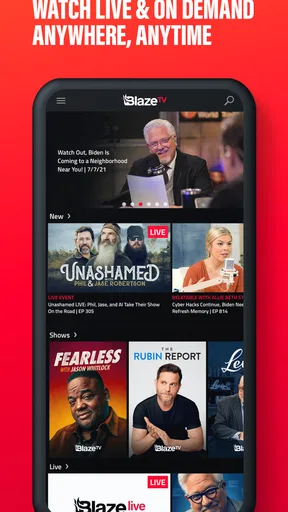
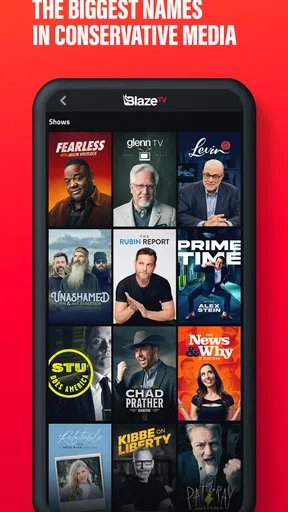
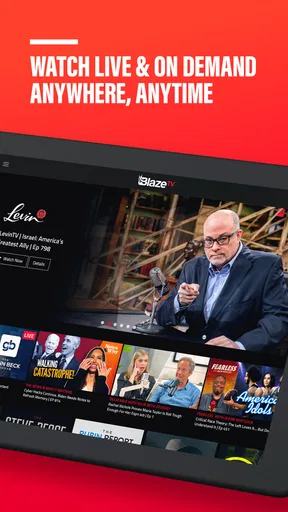
In its first week, the appeal is straightforward: open the app, browse its shows, and choose between watching something live or catching up on demand. The mix of politics, culture, and lifestyle gives a new viewer a few different ways in, while the video format feels closer to talk radio you can watch than to a conventional article-based news app. I would start with a topic I already care about, then sample a show outside my usual routine before deciding whether the lineup suits me.
That small bit of exploration matters. A strongly defined editorial angle can feel refreshing if you want commentary from a particular perspective, but it is not the same as a broad collection of competing viewpoints. I would treat BlazeTV as one part of a news diet, not as a complete replacement for general reporting. Pairing its commentary with other sources is a practical way to keep context and separate analysis from straight news.
Recurring value beyond the novelty
The long-term question is whether the app fits an actual habit. If you regularly follow its shows, having live viewing and an on-demand library together can make it easier to keep up without planning around a broadcast time. Favorites are useful here: rather than repeatedly searching through the catalog, I would save the programs I genuinely return to and use that short list as my starting point.
Downloads can also make the app more useful outside the living room. I might save an episode before a flight or a commute where reception is unreliable, then watch it when convenient. The trade-off is that downloading only helps if I plan ahead and choose what I want to watch; it is less useful for spontaneous browsing or live coverage. For those moments, a dependable connection and live access matter more than an offline library.
As an app in News & Magazines, BlazeTV occupies an unusual middle ground: it delivers news-oriented programming, but its main experience is video rather than scanning headlines and short articles. A traditional news app is usually quicker when I want to check several outlets, compare developing stories, or get a brief update. BlazeTV makes more sense when I want to spend time with a host or program and hear a sustained argument. Neither format replaces the other, so the better choice depends on whether I have five minutes to scan or a longer stretch to watch.
Keeping it useful without letting it take over
The maintenance burden is fairly personal. Saving a few favorites and downloading an episode when I know I will need it is a light routine; keeping up with every program would be a much bigger commitment. I would avoid treating a growing watch list as homework. If I have not made time for a show in a while, removing it from my regular rotation keeps the app focused on what I actually enjoy.
Worth Reading Before You Choose

EA SPORTS FC Mobile 26 Is a Bigger Football Game, but It Takes Time

Flipboard Shows What News Apps Must Do Beyond the Feed

Switching to Android Auto Means Rethinking Your Driving Routine

Google Calendar Makes a Crowded Week Easier to Manage

Ludo King Makes the Most of the Minutes Between Plans

Baby Panda World Brings Quick Play to Modern Phones, but Its Game Library Feels Busy
There is also a simple cost check worth making before settling in. BlazeTV is free to download, but in-app purchases range from around fifteen dollars to one hundred and twenty dollars per item, so I would review the purchase details carefully before committing to anything. The app is rated Teen, and its average rating is about 3.8 from roughly 7,200 ratings. Those figures offer a little context, but they cannot tell me whether its editorial style or viewing format will suit an individual viewer.
Where fatigue can set in
The same focus that makes the app distinctive can become repetitive if I want a wide mix of perspectives or a fast, factual overview. Commentary-led programming asks for more attention than skimming a headline feed, and a viewer who disagrees with the core perspective may find that the format wears thin rather than broadening their routine. In that case, a general news app or a mix of sources is likely a better everyday choice.
Video also asks for more time and attention than audio or text. If I am walking, multitasking, or trying to check one detail quickly, an episode may be the wrong tool. I would save viewing for a break, a commute where watching is practical, or a quiet evening, and use text-based sources when speed matters. Offline downloads solve a connection problem, not the larger question of whether I want to spend that much time watching.
BlazeTV is developed by BLAZE MEDIA LLC, and its current version is 9.58.0. It has passed 500,000 installs, which suggests there is an established audience, though popularity alone does not guarantee a good personal fit. The app has been available since February 12, 2016, and its Teen rating is worth keeping in mind when choosing what younger viewers may watch.
Getting Started with BlazeTV
First things first, downloading BlazeTV is a breeze. It's available on both Android and iOS, so you can easily grab it from Google Play or the App Store. Once installed, the app greets you with a clean, intuitive interface that's pretty easy to navigate. No unnecessary clutter here, which is always a plus in my book.
The sign-up process is straightforward as well. You can either create a new account or sign in with Google or Apple ID. I opted for the Google sign-in, and it was as smooth as butter. Within minutes, I was diving into the world of BlazeTV.
Content and Features
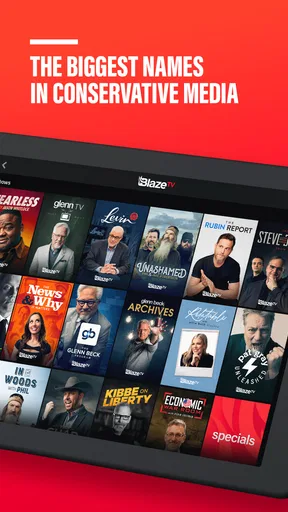
Now, let's talk about what really matters: content. BlazeTV offers a unique blend of news and entertainment. If you're looking for something beyond the typical mainstream media, this might be your jam. The app features a variety of shows that cover politics, culture, and lifestyle, with a distinct conservative angle. It's like having a talk radio experience on your phone, but with video.
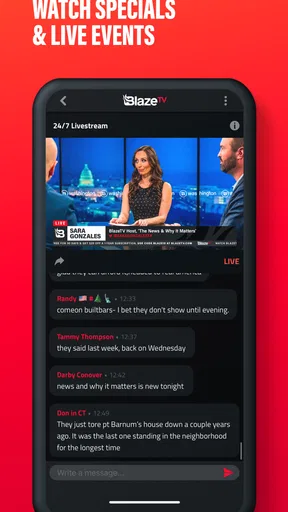
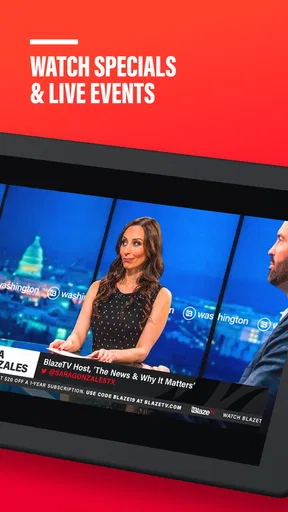
One feature I particularly enjoyed is the "Live TV" option. It's perfect for those moments when you're in the mood for live content. The app also offers an on-demand library, letting you catch up on past episodes or binge-watch entire series at your leisure. Talk about convenience!
Another cool feature is the "Offline Viewing" option. You can download episodes to watch later, which is a lifesaver when you're on a long flight or stuck somewhere with spotty internet.
User Experience
In terms of user experience, the app performs well. Videos load quickly, and I didn't encounter any buffering issues, even when streaming live content. The layout is user-friendly, with easy-to-navigate menus and a search function that actually works!
There's also a "Favorites" section where you can save your preferred shows for quick access. I found this particularly useful as it saved me time searching for my go-to content.
Subscription Plans
BlazeTV isn't free, but they do offer a few subscription options to suit different needs. You can choose between monthly and annual plans. I went for the annual plan, which offers a slight discount. If you're a first-timer, they even offer a trial period, so you can test the waters before committing.
While some might balk at the idea of paying for yet another streaming service, I found the content engaging enough to justify the cost. Plus, it's nice to support independent media.
Final Thoughts
So, what's the verdict? If you're on the lookout for a streaming app that offers a different take on news and entertainment, BlazeTV might just be what you need. With its robust content library, user-friendly interface, and offline viewing capabilities, it stands out as a solid option in the sea of streaming services.
Of course, whether or not it's the right fit for you depends on your personal tastes and what you’re looking to get out of an app. But if you're open to exploring new perspectives, give BlazeTV a try. You might just find it to be a refreshing change from the usual fare.
My long-term verdict
For a realistic weekday routine, I would use BlazeTV selectively: save a couple of shows I know I want to follow, watch a live program when its timing suits me, and download one episode before a trip rather than trying to keep the whole library in rotation. That approach makes the app a purposeful destination instead of another feed demanding constant attention. It is a stronger fit for someone who enjoys watching commentary regularly than for someone who only wants occasional breaking-news checks.
The audience figures give a sense of its reach: the app has around 3.8 thousand reviews alongside its ratings, and it is free to install. I would still make the decision based on content fit, not those numbers. The purchase range is broad enough that I would check exactly what an item includes and its price before tapping through; free installation should not be confused with every viewing option being free.
My lasting-space test is simple: after sampling the shows, do I have a few I would choose again next week? If so, Favorites and on-demand viewing help turn that preference into a low-effort habit. If I keep browsing without finding programs I want to return to, the app is unlikely to earn regular attention, however convenient the interface may be. That is a useful way to judge it before allowing another media subscription or viewing routine to become part of everyday life.
Pros
- Wide variety of exclusive content.
- User-friendly interface and design.
- Regular updates with new shows.
- High-quality streaming with minimal lag.
- Option to download content for offline viewing.
Cons
- Subscription required for full access.
- Limited free content available.
- App may occasionally crash on older devices.
- No option for parental controls.
- Not all shows have subtitles.
FAQs for BlazeTV
What is BlazeTV and what type of content does it offer?
BlazeTV is a streaming service that offers a wide range of conservative news, talk shows, documentaries, and exclusive content from popular personalities like Glenn Beck, Mark Levin, and Steven Crowder. It focuses on delivering content that appeals to viewers interested in political commentary, cultural analysis, and current events from a conservative perspective.
Is BlazeTV available on both Android and iOS devices?
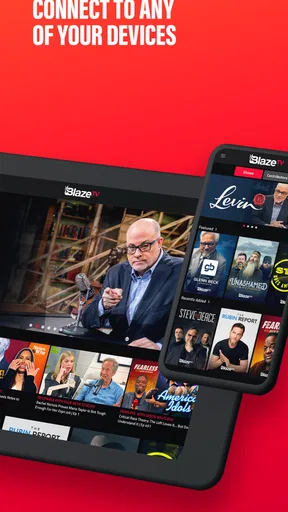
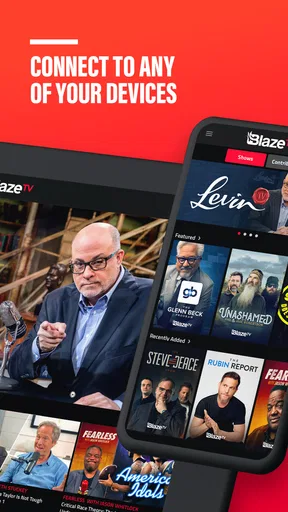
Yes, BlazeTV is available for download on both Android and iOS devices. Users can find the app on the Google Play Store for Android devices and the Apple App Store for iOS devices. It is designed to provide a seamless streaming experience across different platforms, including smartphones and tablets.
Does BlazeTV offer a free trial or require a subscription?
BlazeTV primarily operates on a subscription-based model. While it occasionally offers free trials to new users, these promotions are subject to availability and duration. Subscribing gives users access to the full library of content, including live shows and exclusive programs. It's recommended to check their website for current offers.
Can BlazeTV content be downloaded for offline viewing?
BlazeTV allows users to download select content for offline viewing, making it convenient for those who want to watch shows without an internet connection. However, not all content may be available for download due to licensing restrictions. Users should check the app for content that supports this feature.
Are there any parental controls available on BlazeTV?
BlazeTV does not have specific parental controls within the app. However, it is important for parents to monitor the content their children are watching, as the platform primarily deals with political and cultural topics that might not be suitable for younger audiences. Users can manage access through device settings or supervised use.


